3D printable QR code test card
The same QR code at four sizes, 1, 1.5, 2 and 3 mm per square, as free STL files. Print them to see the smallest QR code your printer and your phone can handle before you print a real one.
We checked every file in software: each one is a closed (watertight) mesh, and a top-down render of each one decodes to the right link. We have not printed or scanned them on a real printer. The print settings below are suggestions, not tested results. If you print the card, please share which sizes your phone read.
Download the STL files
| Module size | Card size | Top view | Download | Software check |
|---|---|---|---|---|
| 1 mm | 33 × 33 × 3 mm | 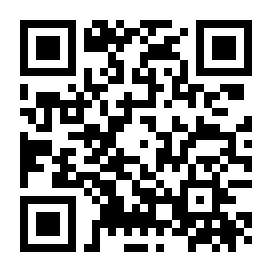 | STL 330 KB PNG | Closed mesh, top view decodes |
| 1.5 mm | 49.5 × 49.5 × 3 mm | 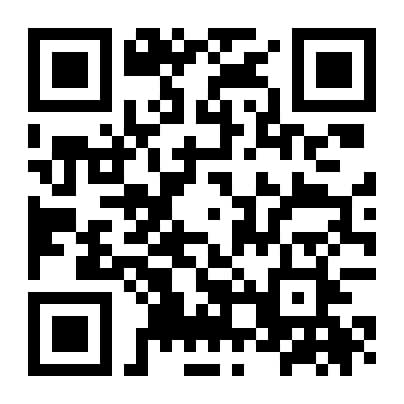 | STL 330 KB PNG | Closed mesh, top view decodes |
| 2 mm | 66 × 66 × 3 mm | 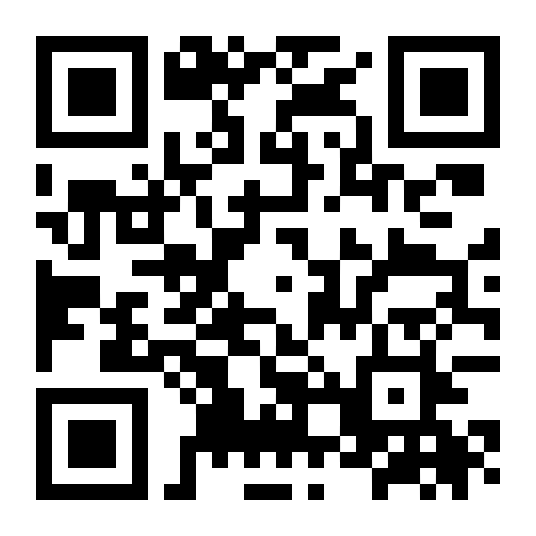 | STL 330 KB PNG | Closed mesh, top view decodes |
| 3 mm | 99 × 99 × 3 mm | 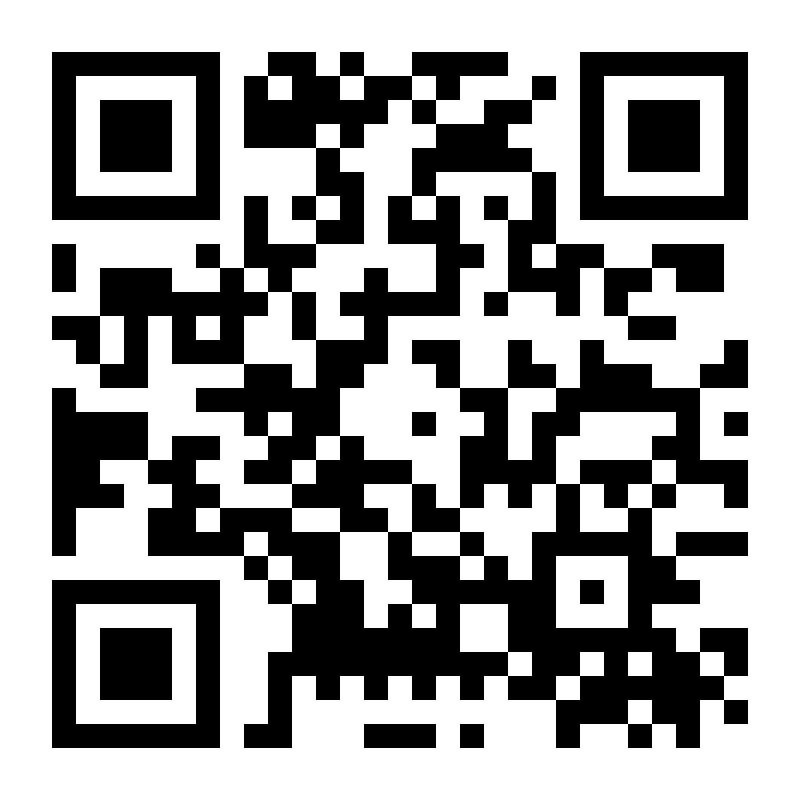 | STL 330 KB PNG | Closed mesh, top view decodes |
Every card is one solid piece: a 2 mm base with the dark squares raised 1 mm on top (3 mm total). Each code has a 2-module border, uses error correction M and is a version 3 code (29 × 29 modules). The PNG shows what the top of the print should look like.
Suggested print settings (not tested)
- Two colours. Print the base in a light colour, then switch to a dark filament at Z = 2.0 mm, the top of the base. Most slicers call this a colour change or filament change at a layer. Phones need dark squares on a light background.
- Layer height. At 0.2 mm, the base is 10 layers and the raised squares are 5 layers, so the colour change lands exactly on a layer line.
- All four at once. Load the four STLs onto one plate in your slicer. Together they need about 99 + 66 + 49.5 + 33 mm along one edge, so on a smaller bed, arrange them in a 2 × 2 grid.
- Nozzle. Our 3D QR Code tool uses about 1.2 mm per square on a 0.4 mm nozzle as a rule of thumb, not a hard limit. The 1 mm card is below that on purpose, as a stress test.
- Filament. Matte filament may scan more easily than silk or glossy filament, which can reflect light. We haven't tested this.
Share your results
If you print the card, note your printer, nozzle size, layer height, filament (and whether it's matte or silk), and which sizes your phone's camera read. Include that when you share your print, for example as a make or remix on the model site where you post it. Results from many printers will be more useful than results from one.
How we checked the files
- Generated with the same STL code our 3D QR Code tool uses (base 2 mm, relief 1 mm, 2-module border, error correction M).
- Closed, manifold mesh: every edge belongs to exactly two triangles, one going each way, and there are no zero-area triangles. Where two raised squares touch only at a corner, they are joined by a 0.03 mm sliver so that corner edge isn't shared by four walls. We checked this in the browser and again with a separate Python script.
- Volume: the mesh volume matches the expected volume (base, raised squares and the corner slivers) to within 0.01 mm³. For example, 23,503 mm³ for the 3 mm card.
- Decodes: a top-down render of each STL (raised squares black, everything else white) decodes with jsQR to
https://crispkit.app/3d-qr-code/at 4 and 8 pixels per mm.
That proves the files are valid and the code is correct. It doesn't prove a printed copy will scan: that depends on your printer, filament, lighting and phone.
Licence
The STL and PNG files on this page are dedicated to the public domain under CC0 1.0 Universal. You can print, remix, sell and re-upload them without asking or crediting us. See LICENSE.txt. A link back is welcome but not required.
Questions
How small can you 3D print a QR code?
It depends on your nozzle, filament and phone, which is why this card exists. Our tool's rule of thumb is about 1.2 mm per square on a 0.4 mm nozzle. Print the card to find the limit on your own printer.
Do 3D printed QR codes scan?
They can, if the squares are big enough and contrast well with the base. A dark top on a light base is the usual way. We haven't printed this card ourselves yet, so we don't publish a scan result.
Can I make one with my own link?
Yes. The 3D QR Code tool makes the same kind of STL for any link or text, with the size in millimetres.
Guide: How to 3D print a QR code